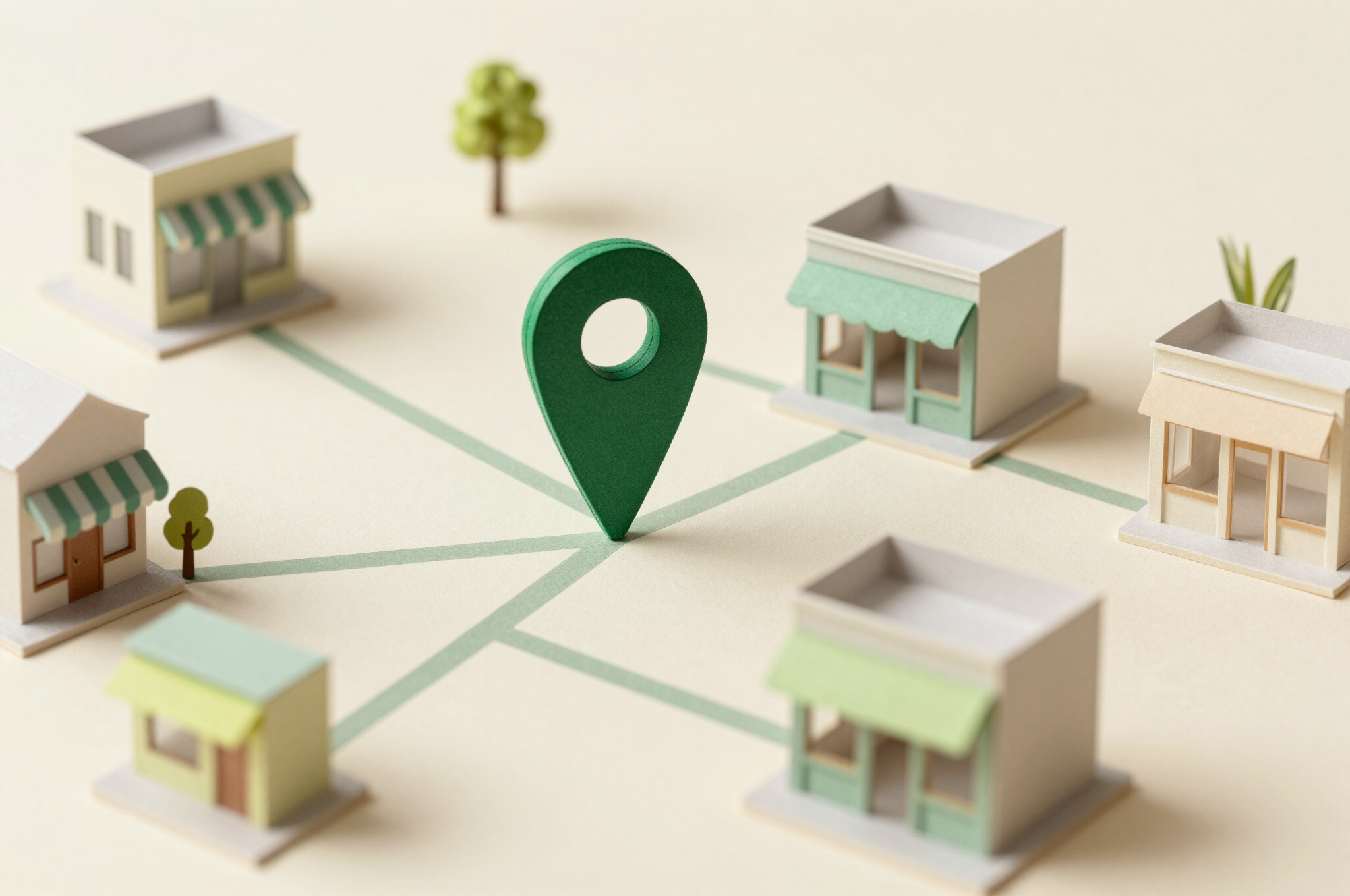
Storefront or Service Area? Set Up Your Google Business Profile Honestly
A storefront Business Profile fits a business that receives customers at a real location. A service-area profile fits a business that travels to customers. The right choice depends on how you operate, not where you would like to appear in search.

That distinction matters in Chicagoland. A home-based contractor in Mount Prospect might serve nearby towns without welcoming customers at home. A repair shop may receive customers in person and also make service calls. Their profiles should explain those different experiences.
Start with the customer visit
Before editing anything, answer a practical question: if someone followed your listing today, what would happen?
Could they find your signage, enter the premises, and speak with your team during the hours you advertise? Or would they arrive at a residence, mailbox, or unstaffed office? Write down the answer before deciding whether the street address belongs in public view.
Google’s business representation guidelines distinguish businesses that receive customers from businesses that visit them. They also set conditions for displaying addresses, using coworking offices, and operating service-area profiles. A mailing address alone does not establish a customer-facing location.
The useful outcome is an honest expectation. A customer should understand whether to visit, call for an appointment, or request someone to come to them.
Choose the model that matches your work
Storefront: Customers come to your location. Check the entrance, signage, public address, and hours as one connected experience.
Service area: Your team visits customers, and the public does not visit your operating address. Google instructs service-area businesses to hide that address. Describe the places you actually serve.
Hybrid: You receive customers at your location and travel to them. A repair business with a staffed garage and mobile service is an easy example to understand.
Online only: You deliver services remotely without in-person customer contact. Do not assume that selecting a service area makes an otherwise ineligible business eligible. Confirm the applicable rules before creating a profile.
These are operating descriptions, not marketing packages. If your business changes its delivery model, review the setup again instead of leaving the original choice untouched.
Make the service area useful to customers
A long list of towns can sound impressive while leaving basic questions unanswered. A prospective customer needs to know whether you take their type of job, how scheduling works, and whether travel affects the quote.
For a hypothetical Mount Prospect service business, a website might explain that appointments are available in Mount Prospect, Arlington Heights, and Des Plaines, with other locations considered after discussing the job. That is useful only if it matches the actual operation. Do not copy another company’s coverage list simply because it contains desirable search terms.
Keep a separate internal note of exceptions: projects you will travel farther for, services limited to a smaller area, and periods when availability changes. The public description can stay simple while your team has enough detail to answer consistently.
Check these details together
Use one short review rather than a series of disconnected edits:
Confirm the real business name used with customers.
Check whether the public address matches the way customers meet you.
Make sure the phone reaches the business and the website link works.
Compare advertised hours with actual customer availability.
Review the service-area wording on your website and profile.
Ask the person answering inquiries whether the listing creates any recurring confusion.
After changes are processed, inspect the public listing from a customer’s perspective. A successful save is only part of the job; the visible information needs to make sense.
Common questions
Can I create a profile for every suburb I serve?
A service boundary is not a separate business location. Google’s rules allow separate profiles in qualifying circumstances, such as separate staffed locations. Do not treat each town on a route as a new office.
Should I show my home address to improve visibility?
Use the profile configuration required by your real operation. If customers do not visit and you operate as a service-area business, hiding the address is the appropriate setup. A hoped-for ranking advantage is not a reason to misrepresent the location.
Will the correct setup guarantee more leads?
No. It helps customers understand the business accurately. Search visibility and inquiries also depend on relevance, competition, the website, and the customer’s needs.
Luminous Tulip helps businesses connect their website with accurate local information. Explore our SEO and local search services, or contact us to discuss your current setup.
This article was researched and drafted using AI. Its illustration is AI-generated. Sources are linked for reference.
Related reading: Is Your Business Ready for Local Search? A Practical Checklist